I found that this works for areas, pathways and dead ends. It’s pain, but delete from the workplan first. Then delete the object.
3 Likes
Good to know. Thanks for testing and providing your results. Saves the rest of us from doing the testing too.
If fixing the code is more complex than it would appear on the surface a temporary solution would be to show a pop-up when deleting objects that states “Hey, if you delete this the entire plan will be deleted and here is how to get around this bug. Continue?”
I know this issue exists and how to get around it but I have still deleted DE’s when playing around and wiped out my entire workplan, immediately realizing my mistake after hitting delete. This is one of the things that really frustrates me.
4 Likes
Don’t remind me that we still don’t have notifications on… (except for job complete maybe?)
2 Likes
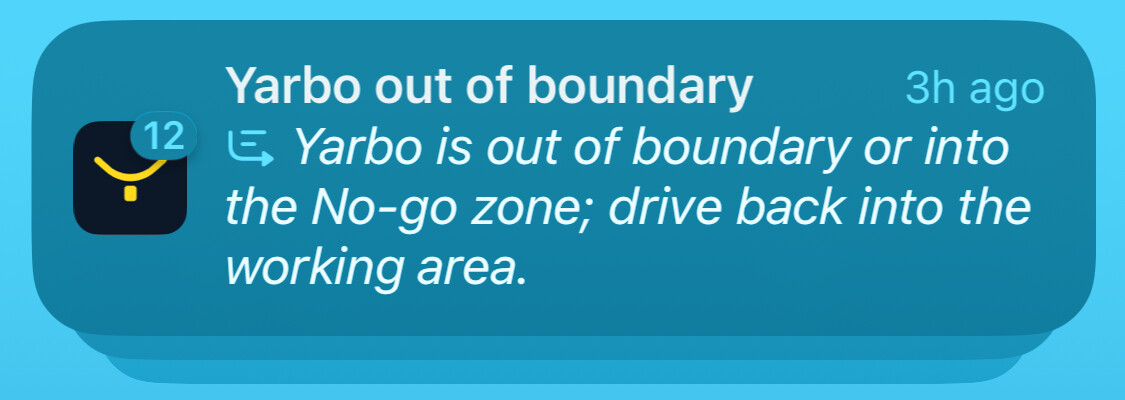
12? Happened to me only once!
1 Like
It was the middle of the night, I was sleeping….
Yarbo REALLY wanted me to know it was out of bounds. 
It repeats the notifications for events like this, geofence alerts, etc.
1 Like
So they clearly know how to make notifications work! Let me get the rest of them! - Error messages, Suspensions, Charging States… and maybe reminders for maintenance at a preset mowing area thresholds or travel distances for things like deck cleaning, blade replacement or track lubrication.
3 Likes
geofence alerts…. WHOLLY COW…. fired up Yarbo in the garage after blade cleanup and track lube and was driving him around to the docking station. When GPS established Yarbo WENT OFF with “out of geofence alarm”. Scared the bejesus out of me.
1 Like
I had that happen once. Caught me completely off guard!
2 Likes